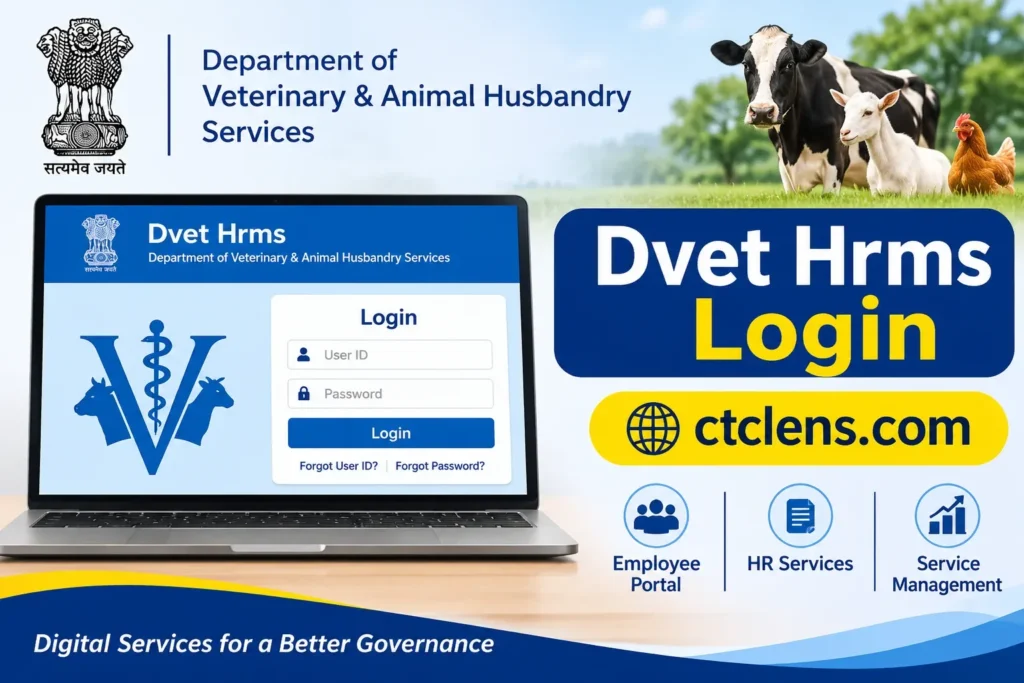

DVET HRMS Login for employees at the official portal, hrms.dvet.gov.in. Use the Login button at the top right with the username and password sent to your email or SMS at registration. If you forgot them, use the reset links below the Login button.
What Is the DVET HRMS Portal?
DVET HRMS is the web-based Human Resource Management System of the Directorate of Vocational Education and Training (DVET), Maharashtra. According to the official manual, it helps department employees with attendance, leave, salary slips and appraisal forms.
| Item | Detail |
|---|---|
| Run by | Directorate of Vocational Education and Training, Maharashtra |
| Official website | hrms.dvet.gov.in |
| Language | Marathi and English (switch at top right) |
| Who uses it | DVET employees, plus approvers such as establishment officers |
| Main use | Profile, attendance, salary, leave, loans, transfers, appraisal |
Do not confuse it with the ITI admission portal. DVET also runs a separate online admission process for students (Careers360 reports the 2026 portal launched on 21 May). HRMS is for staff, not for students applying to ITIs.
Also Read: Workline HRMS
DVET HRMS Login: Step by Step
- Open hrms.dvet.gov.in in your browser. Type the address yourself instead of clicking an unknown link.
- Choose Marathi or English from the top-right corner.
- Click Login (top right).
- Enter the username and password you received by email or SMS.
- Click Login to reach your profile dashboard.
Why it matters: The manual says profiles registered before 31 July 2018 must log in with the default password and then set a new one. Old accounts that fail to log in often just need this step.
DVET HRMS Login Portal
Visit the official DVET HRMS portal of the Directorate of Vocational Education and Training, Maharashtra, to access employee services, manage your profile, and use available HRMS facilities.
DVET HRMS Registration (New Users)
If you have never registered, use the Register button on the same home page.
| Step | What to do |
|---|---|
| 1 | Click Register on the home page |
| 2 | Fill all fields marked with * (mandatory) |
| 3 | Enter your primary mobile number and click Send OTP |
| 4 | Enter the OTP received on that number |
| 5 | Click Register |
| 6 | Login details arrive on your entered email ID and mobile number |
Why it matters: Login details are sent to the email and mobile you enter. A wrong number or email means you never receive your password.
Also Read: FCI HRMS Login
DVET HRMS Password Reset
The manual says forgotten usernames or passwords can be reset using the links below the Login button.
- Click the forgot username or forgot password link.
- Follow the on-screen steps using your registered mobile or email.
- Log in with the new password and keep it private.
DVET HRMS Login Problem: Common Fixes
| Problem | Likely cause | What to try |
|---|---|---|
| Never received username or password | Wrong mobile or email at registration | Check email spam and SMS inbox, then contact your office or approver |
| “Invalid password” | Old default password still in use, or typing error | Use the reset link below Login |
| OTP not coming | Network issue or wrong number | Wait a few minutes, retry, confirm the mobile number |
| Page not opening or slow | Browser cache or heavy traffic | Try another browser or device, clear cache, retry later |
| Cannot find a menu | Your role does not have that module | Approver and employee menus differ, ask your establishment office |
I could not verify an official helpline number. Third-party sites list different numbers, so check the contact details on hrms.dvet.gov.in itself..
DVET HRMS Salary Slip: How to View and Download
The manual gives this path:
- Log in to the portal.
- Open Salary from the menu.
- Click My Salary to see the current month’s salary details.
- Choose Salary → Pay Slip for past months’ slips.
- Select the financial year to see earlier salary details and take a printout.
| Document | Where to find it (per manual) |
|---|---|
| Current salary | Salary → My Salary |
| Past pay slips | Salary → Pay Slip |
| Income tax calculation | Tax Information → Income Tax Calculation |
| Form 16 | Tax Information → Generate Form 16 |
Your salary slip shows your own pay. There is no single fixed DVET salary for all employees.
Also Read: HKRN Salary Slip
DVET HRMS Visiting Faculty
Third-party pages say the portal home page has a Visiting Faculty button that opens a separate visiting faculty portal. I could not confirm this on the live site. The 2019 official manual does not cover visiting faculty. Regular employee credentials may not work there, so use the link shown on the official site.
| Regular DVET employee | Visiting faculty | |
|---|---|---|
| Portal | DVET HRMS | Separate visiting faculty service (unverified) |
| Login | Username and password from registration | Confirm on the official site |
| Salary slip | Salary → Pay Slip | Not confirmed |
Other Services in DVET HRMS
| Module | What you can do (per manual) |
|---|---|
| Attendance | View monthly attendance, add attendance for a date |
| Leave | Apply for leave, check balance and history, view holiday list |
| LTA | Apply for Hometown Visit or Maharashtra Darshan, claim reimbursement |
| Loans & Advances | Apply for a loan and track status |
| Transfer | Fill location preferences, apply to retain |
| Appraisal | Submit self-appraisal sections |
| Retirement | Check status, view pending dues |
Fake Links and Safety Warning
- Use only hrms.dvet.gov.in (a .gov.in address).
- Never share your password or OTP with anyone, including people who claim to be DVET staff.
- Be careful with third-party sites and apps promising “easy login” or “salary slip download”. Some unofficial pages point to app download sites, which you should avoid for government login.
- A genuine government portal does not ask you to pay to log in.
Also Read: Gras Mahakosh
FAQs
Can students use DVET HRMS to apply for an ITI?
No. HRMS is the employee system. ITI admissions run on a separate DVET admission portal.
Why does my approver need to verify my details?
Category, qualification and posting sections need approver verification before your profile is complete.
Which browser should I use?
The sources do not specify one. If the page misbehaves, try another current browser.